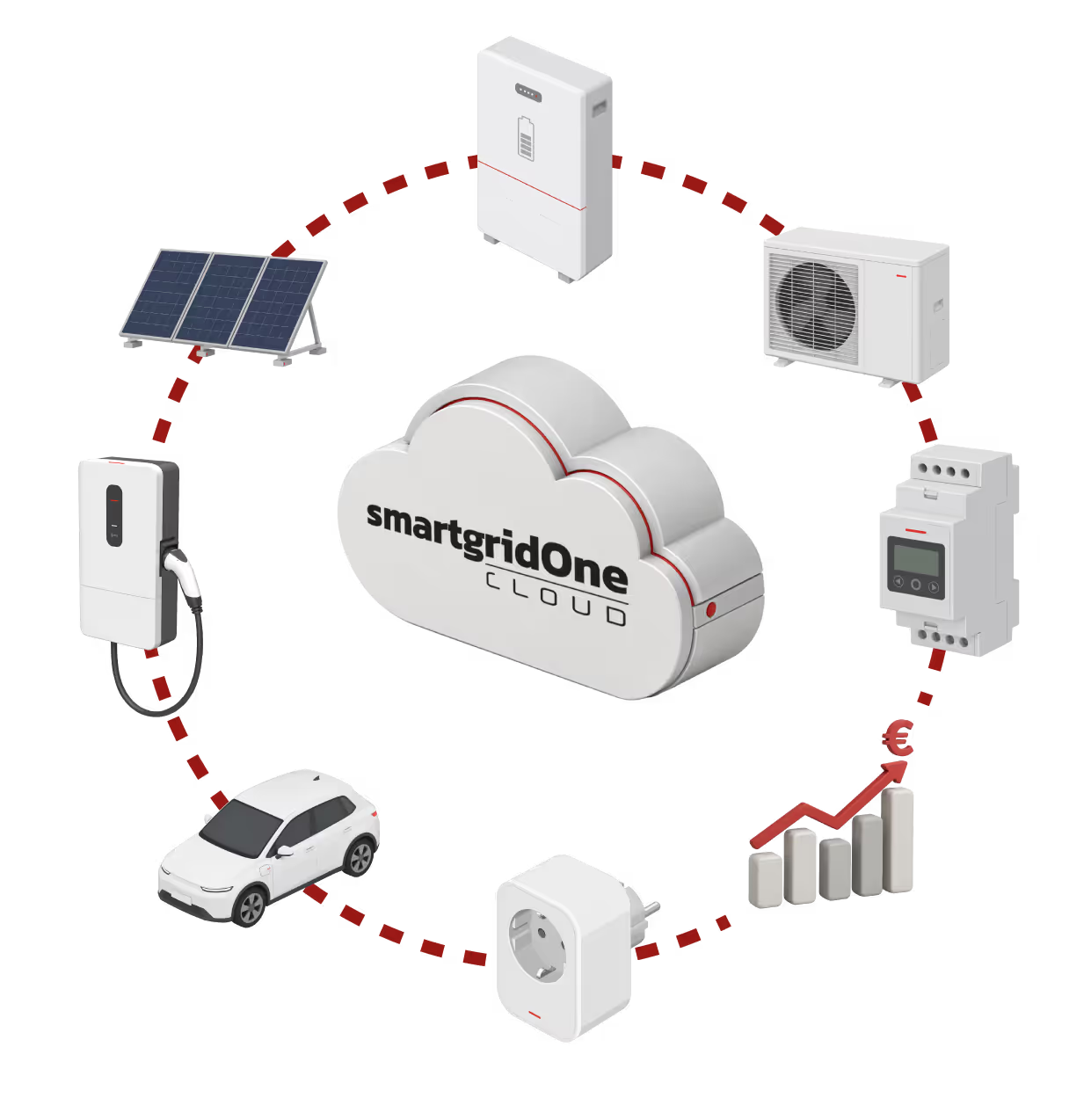

SmartgridOne Cloud:
Energy Management on Autopilot

One cloud platform to control batteries, PV inverters, heatpumps an EV. No extra hardware needed. Scalable for energy companies and installers.

Cloud Based Control

Turn standalone devices at your customers' locations into an intelligent, collaborative ecosystem. SmartgridOne offers loud based control that allows you to seamlessly connect and manage both residential and commercial installations from a single unified platform.
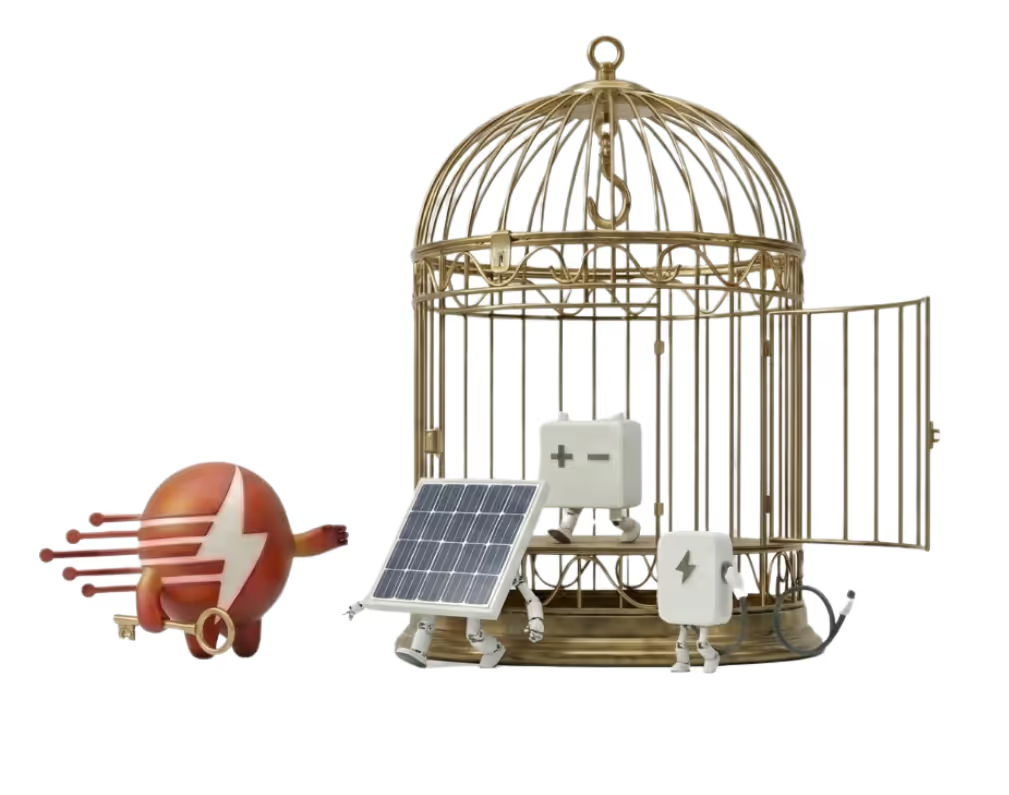
For Installers: Offer a holistic solution, not standalone apps

Customers are tired of switching between five different apps for their solar panels, EV charger, and heat pump. Offer them one seamless experience and increase your margins.

  • 100% Cloud, 0% Hardware: No hassle installing extra local gateways or energy managers in the meter cabinet. Connect devices directly via their own cloud accounts or via MQTT.
  • Energy-as-a-Service: Transform a one-off installation into a long-term customer relationship with recurring revenue. Offer energy optimization as a service.
  • Third-Party Compatibility: Connect multiple brands effortlessly! A battery manufacturer will always want to integrate with its own products, but rarely with those of a third party.
  • Superior asset optimization: Offer more than just the standard app for your battery or EV charger. With SmartgridOne Cloud, you gain access to all energy markets, just like a physical Eniris EMS. You also benefit from better asset optimization.

For Energy Companies & Aggregators: Unlock the value of flexibility

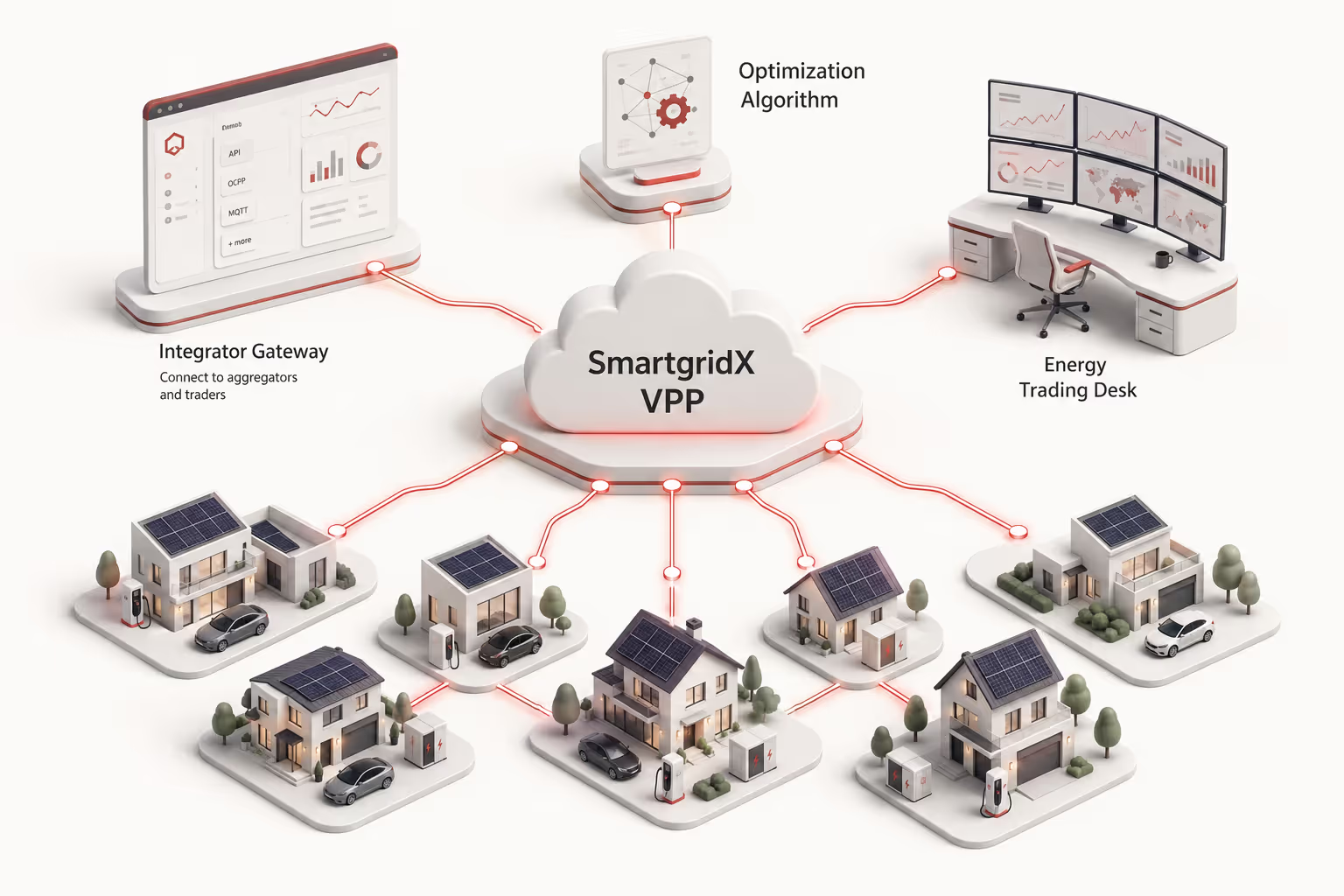
SmartgridOne Cloud enables you to manage the solar and battery assets of thousands of homes and businesses as a single Virtual Power Plant.
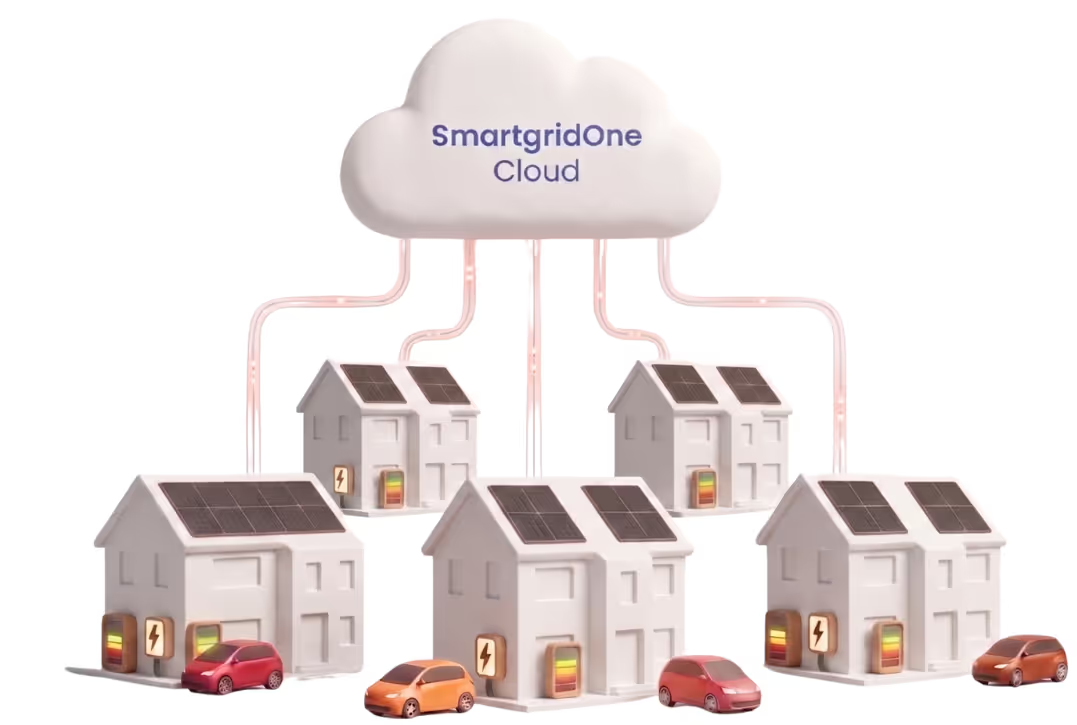

  • Launch Smart & Dynamic Tariffs: Offer innovative contracts (e.g., specific EV or heat pump tariffs). Our platform automatically controls your customers' equipment based on dynamic prices and day-ahead markets.
  • Grid Balancing & Demand Response: Use the flexibility of your customer base to balance the grid and generate new revenue streams on the imbalance market.
  • Seamless Integration (API-First): Integrate our intelligence into your own customer app or backend via our robust API. A single API connection gives you access to dozens of inverter, EV charger, and heat pump brands.
  • Scale Without Limits: Because our software is 100% cloud-based, you can effortlessly manage tens of thousands of assets without overloading your own IT infrastructure.
Logo Green Choice
Logo Scholt Energy
Logo Frank Energie
Logo NextEnergy
Logo EFS
Logo Bee
Logo Yuso
Logo ELindus
Logo Elia
Logo_Trevion
Logo Pleevi
Logo European Commodities
Logo Engie
Logo Companion Energy
Logo Fusebox
Logo Flower
Logo Axpo
Logo Primeo Energie
Logo Joulen
Logo Krattade
Logo SMPL

Which assets do we control via the cloud ?

Our platform is brand-agnostic and communicates with all leading brands. We fully automate the control of the following ssets to maximize self-consumption and minimize costs:

  • ☀️ Solar (Inverters): Readout of production and smart curtailment during negative pricing events.

  • 🚗 E-Mobility (EV-chargers): Smart charging when electricity is cheapest or when there is a solar surplus.

  • 🔋 Energy Storage (BESS): Automated charging during off-peak hours and discharging during peak moments.

  • ❄️ Heat Pumps & HVAC: Activate pre-heating or cooling when excess, cheap energy is available.
  • 🎛️ Third-Party EMS: Seamless integration and overarching control of existing energy management systems from other brands.
More info about Battery SystemsMore info about PV Curtailment

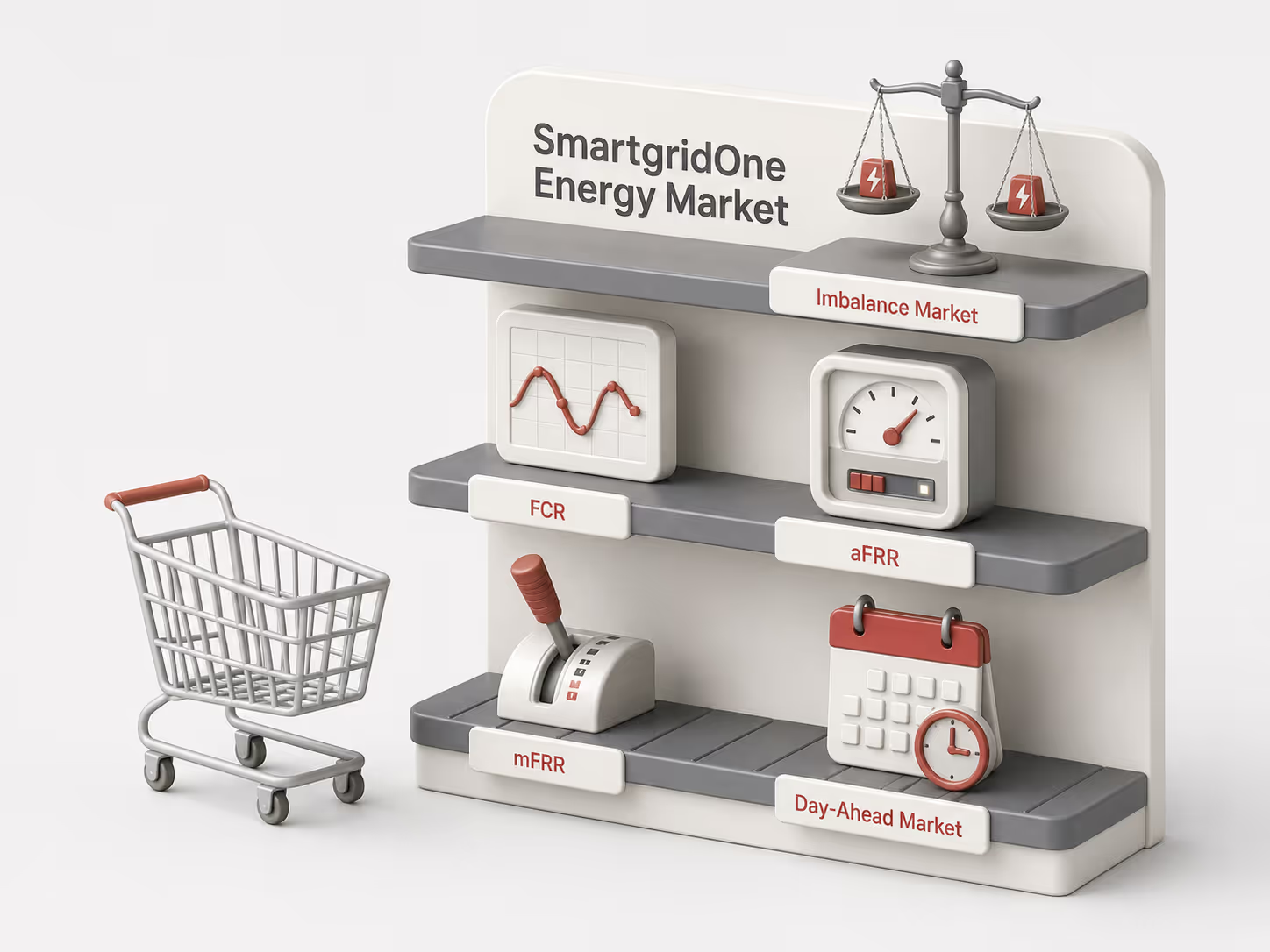
Which energy markets do we serve?

We provide access to various energy markets, including imbalance markets, FCR (Frequency Containment Reserve), aFRR (automatic Frequency Restoration Reserve), mFRR (manual Frequency Restoration Reserve), and the day-ahead market. Our independence from BRPs (Balance Responsible Parties) and BSPs (Balancing Service Providers) guarantees seamless market integration for your assets.
Ready to build your own Virtual Power Plant?

SmartgridX integrates multiple SmartgridOne systems—including SmartgridOne Home, SmartgridOne Pro, and SmartgridOne Cloud—into one unified virtual system. This aggregated setup can be operated by a Balance Responsible Party (BRP), Balance Service Provider (BSP), or another aggregator. Additionally, users have the option to control and manage this group of installations directly through our API interface.
Cloud Based Control

This step-by-step guide will help you determine whether we can control your installation via the cloud (with our solution SmartgridOne Cloud) and how the onboarding process will look like for you.

Installation

My installation consists of:

Brand

Wich brand do you use?

Brand

Wich brand do you use?

SMA Control via the Cloud

Requirements to be verified by the customer or his installer.

SMA devices can be controlled via the cloud if they are equipped with one of the following devices:

  • Data Manager
  • Sunny Home Manager (SHM)
  • onboard WebConnect module (do not support zero injection)
  • WebBox.

The following older inverter types do not support zero injection:

SB700, SB 1300TL-10, SB2500, SB 3000 KR, SB 3300 TL HC, SB 3300 TL HC IT, SB 4200 TL, SB 4200 TL HC, SB 4200TL HC IT, SB 5000TL, SB 5000 TLW, SB 5000 TLHC, SMC5000, SWR 1100E, SB 2500HFUS-30, SB 3000HFUS-30, SB 3000US.

Additionally, self-consumption can be preserved when the energy meter is read by one of these previous devices (e.g., the Data Manager).

Using the API incurs a cost. For more details, visit: https://developer.sma.de/api-plans

Steps to be completed by the customer or their installer to enable cloud control

STEP 1:

To allow Eniris to control an installation via the cloud, the customer or their installer must provide the email address of the installation owner (i.e., the email address linked to the monitoring portal key). Please send this information to info@smartgridx.io.

Once received, Eniris will send a request to the installation owner, requesting permission to enable remote control.

STEP 2:

The Data Manager must be configured either on-site at the customer’s location or via ennexOS, the platform provided by the manufacturer SMA. A specific setting on the Data Manager must be activated to enable remote control.

For detailed setup instructions, refer to: https://docs.eniris.be/Devices/PV-hybrid-and-battery-inverters/SMA/API/

STEP 3:

The customer must provide the limits of their grid connection and indicate which energy market they wish to operate in.

Solis

Cloud control is only possible if you want to manage the installation based on the day ahead market rather than imbalance signals. This is because communication with Solis via the cloud is slow due to limitations in Solis' API. As a result, Solis cannot respond quickly to imbalance signals when controlled via the cloud.

Steps to be completed by the customer or their installer to enable cloud control

STEP 1:

To allow Eniris to control an installation via the cloud, the customer of his installer needs to add our custom emailaddress in the user management section in the portal of Solis. This is typically of the format: yourcompanyname@smartgridx.io.

Additional to this, you also need to provide us with the serial numbers of the inverters and installation ID.

STEP 2:

The customer must provide the limits of their grid connection and indicate which energy market they wish to operate in.

Alpha ESS

We can control the installation via the cloud, so no hardware is needed.

Steps to be completed by the customer or their installer to enable cloud control

STEP 1:

To allow Eniris to control an installation via the cloud, the customer of his installer needs to add our custom emailaddress in the user management section in the portal of Alpha ESS. This is typically of the format: yourcompanyname@smartgridx.io.

​STEP 2:

The customer must provide the limits of their grid connection and indicate which energy market they wish to operate in.

Solar Edge

We can control via the cloud. By reading data from the SolarEdge energy meter, we can also optimize and maintain self-consumption.

Using the API incurs a cost.

Steps to be completed by the customer or their installer to enable cloud control

STEP 1:

To enable Eniris to control an installation via the cloud, the customer or installer must add a specific email address in the user management section. This email address typically follows the format: yourcompanyname@smartgridx.io.

More information via: https://stonly.com/sl/en/a26cd301-1354-4467-9c68-3a107f8fea9c/Steps/3777784,3777909,3777787,3777823,3777862,3777861

STEP 2:

The customer must provide the limits of their grid connection and indicate which energy market they wish to operate in.

Huawei

We can control via the cloud, but we cannot adjust production to maintain self-consumption. This is because the energy meter cannot be read quickly enough via the API. As a result, the installation will either operate at 0% or at its current power level.

Steps to be completed by the customer or their installer to enable cloud control

STEP 1:

To enable Eniris to control an installation via the cloud, the customer or installer must add a specific email address in the user management section. This email address typically follows the format: yourcompanyname@smartgridx.io.

STEP 2:

The customer must provide the limits of their grid connection and indicate which energy market they wish to operate in.

Sungrow

We can control via the cloud, but we cannot adjust production to maintain self-consumption. This is because the energy meter cannot be read quickly enough via the API. As a result, the installation will either operate at 0% or at its current power level.

Steps to be completed by the customer or their installer to enable cloud control

STEP 1:

To allow Eniris to control an installation via the cloud, the customer of his installer needs to add our custom emailaddress in the user management section in the portal of Sungrow. This is typically of the format: yourcompanyname@smartgridx.io.

​STEP 2:

The customer must provide the limits of their grid connection and indicate which energy market they wish to operate in.

Enphase

We can curtail via the cloud, but we cannot adjust production to maintain self-consumption. This is because the energy meter cannot be read quickly enough via the API. As a result, the installation will either operate at 0% or at its current power level.

Using the API incurs a cost. For more details, visit: https://developer-v4.enphase.com/developer-plans

An estimate of the costs: $999 per month and $0.10 per control pulse.

Steps to be completed by the customer or their installer to enable cloud control

STEP 1:

To allow Eniris to control an installation via the cloud, the customer of his installer needs to add our custom emailaddress in the user management section in the portal of Enpase. This is typically of the format: yourcompanyname@smartgridx.io.

STEP 2:

The customer must provide the limits of their grid connection and indicate which energy market they wish to operate in.

Local Control Required

We are unable to control your system via the cloud because the selected inverter does not yet have an API interface.
We recommend using a SmartgridOne controller, which communicates with the inverter via Modbus (physical connection).

Installation Information

This is a reference of the maximum import power it may allow and will try to control the connected devices to not go beyond this limit. Note, this limit will be adjusted to be at most the power allowed by the main circuit breaker.

Request a Quotation

Thank you! Your submission has been received!
Oops! Something went wrong while submitting the form.